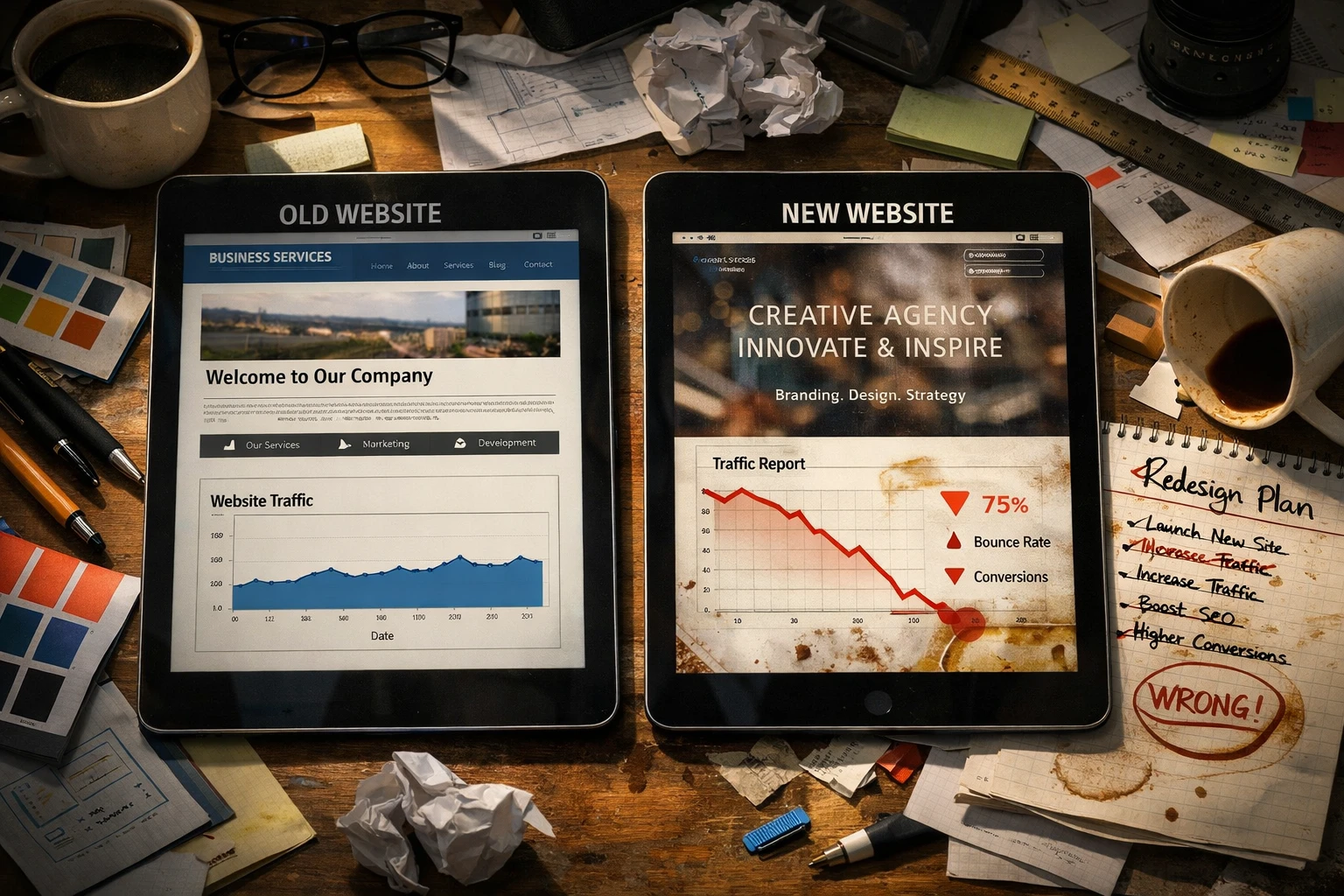
Your website dropped from page one to page three in just three weeks. Frustrating, right?
Here’s the thing: designers love creating stunning visuals. Search engines couldn’t care less about that. They rank sites based on speed, mobile performance, and whether your structure makes sense. Miss one of these, and you’ll watch your rankings tank.
The frustrating part? These aren’t complicated problems. They’re avoidable SEO mistakes that happen when design takes priority over search visibility.
If you’ve been losing traffic or struggling to rank despite having a beautiful site, you’re not alone. This guide covers the common errors designers still make in 2026 and how to fix them before you lose more traffic.
Let’s start with the biggest one: mobile optimisation.
Ignoring Mobile Optimisation Fundamentals

Did you know that mobile devices account for around 61% of all web traffic? Yet many designers still build sites with desktop in mind first, then scramble to make mobile work later. The result: avoidable mistakes that frustrate users and hurt rankings. Below are the key areas where designers most often go wrong on mobile.
Slow Load Times on Mobile Devices
Mobile users abandon sites that take longer than three seconds to load, according to Google research. Large uncompressed images and render-blocking scripts are usually the main culprits. They directly hurt your site speed and push visitors away before they even see your content. Google ranks mobile speed as a priority, too, so sites that load slowly on mobile phones get pushed down in search results.
Non-Responsive Design Elements
Fixed-width layouts force users to pinch and zoom just to read basic text. On top of that, small buttons and links make it even harder because they often lead to accidental clicks.
To prevent such problems, media queries should be tested across a variety of devices, not just desktop and iPhone.
Today, responsive design is a must-have because mobile-friendly sites adjust to any screen size and ensure a smooth experience for every user.
Not Testing on Real Devices
(And yes, we’ve all been guilty of the “looks fine on my iPhone” approach.) Many designers skip proper mobile tests after launch. Real device tests reveal problems that browser emulators don’t catch, like how fast things actually load or if buttons work on touchscreens. What’s more, regular mobile audits spot new issues before they hurt your rankings.
Speaking of things that slow down mobile sites, let’s talk about images. They’re one of the biggest reasons sites load slowly, and most designers handle them all wrong.
Poor Image Optimisation Practices
Optimised images load faster, rank in image search, and help visually impaired users navigate your site. Yet most designers cut corners when it comes to images. They upload massive files, skip alt text, and use generic file names like IMG_1234.jpg. The outcome is terrible: slower load times and missed opportunities in search results.
1. Missing Alt Text on Graphics
Here’s the thing about images: search engines can’t actually see them, so they rely entirely on alt text descriptions. That means alt text does double duty. It helps visually impaired users understand your content through screen readers, and it gives you a shot at ranking in image search results. Skip it, and you’re missing out on both.
2. Oversized Image Files Slowing Load Speed
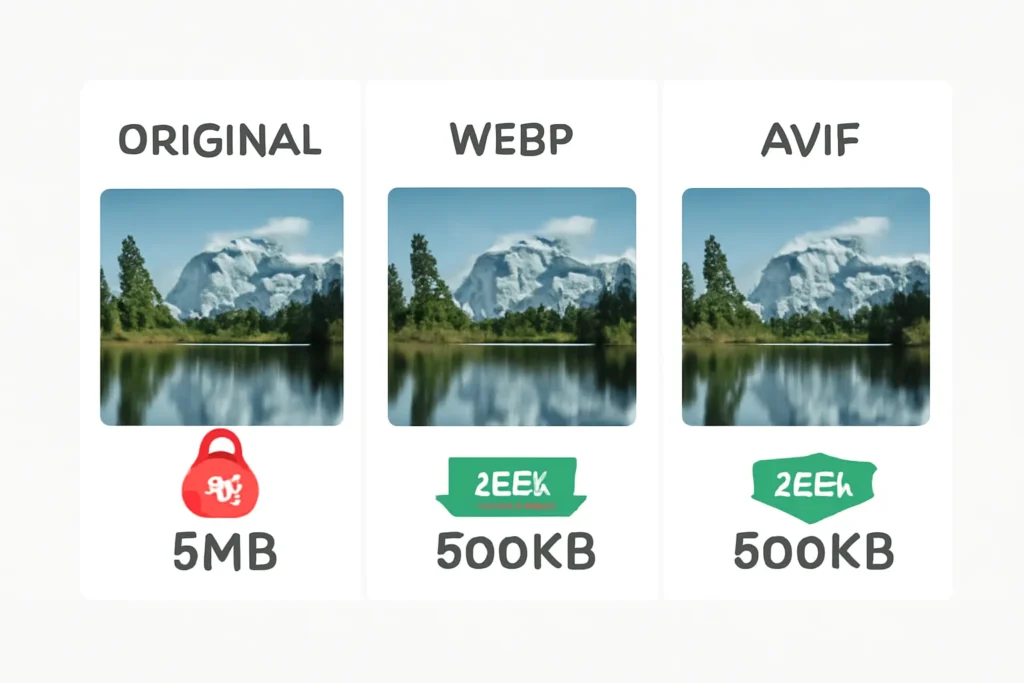
Uncompressed JPEGs and PNGs can be five to ten times larger than needed, which directly tanks your site speed. And honestly? It’s such an easy fix that there’s no excuse for it.
Based on our firsthand experience, the AVIF format reduces file sizes by 20-30% more than WebP. It keeps the same visual quality, too. Lazy loading also helps because it delays image loading until users scroll down, which improves how fast mobile pages load initially.
3. Generic File Names Instead of Descriptive Ones
Files named IMG_1234.jpg provide zero SEO value. Descriptive file names like brisbane-web-design-portfolio.jpg help search engines understand what the image shows. File names contribute to image search rankings alongside alt text.
Now, images aren’t the only thing designers copy and paste without thinking. Duplicate content is just as bad, and it shows up in ways you might not expect.
Duplicate Content Issues Across Your Site
Duplicate content prevents your pages from ranking because search engines can’t decide which version to show. When Google finds the same text on multiple sites, it picks one to rank. It’s rarely yours. This problem shows up in three common ways:
Identical Product Descriptions
Let’s be honest here. Copying manufacturer descriptions seems like the easy route. Why write 50 unique product descriptions when the manufacturer already did the work?
Thousands of other retailers use those same descriptions. When Google finds identical content across multiple sites, it picks one version to rank. It’s rarely yours.
This approach is penny-wise, pound-foolish. You save time upfront, but lose rankings and sales long term. Unique descriptions help separate your site from competitors in search results.
Forgetting Canonical Tags
Multiple pages with identical content confuse Google about which version to rank. Print versions, mobile versions, and session IDs all create separate URLs with the same content.
Without canonical tags, Google treats each URL as a different page. Canonical tags tell Google which page is the original and bring all ranking signals together in one place. These often get overlooked until duplicate content hurts your target keyword rankings.
AI-Generated Content Without Human Review
Google’s algorithms now detect thin AI content that lacks real expertise. We’ve caught this pattern across dozens of competitor sites. Since everyone uses similar prompts, the results are similar too. This creates duplicate content patterns that Google spots immediately.
To avoid this, humanise your AI drafts before publishing. Add your own insights, include current data and real examples, and rewrite sections in your own voice. Raw AI output won’t rank because it’s identical to what everyone else publishes.
While we’re on the topic of content that gets overlooked, let’s talk about meta descriptions. They might seem minor, but they control your first impression in search results.
Weak or Missing Meta Descriptions
Meta descriptions control your first impression in search results. Now you might wonder if they even matter. After all, Google sometimes rewrites them anyway. They do matter because a well-written meta description that matches search intent can improve your click-through rate. Two mistakes stand out:
Duplicate Meta Descriptions
Using identical meta descriptions across multiple pages wastes valuable space in search results. When every page says the same thing, you’re not giving users a reason to click on one over another.
Google may ignore your description and generate its own from page content instead. Unique descriptions for each page that include target keywords naturally improve click-through rates. They also help users find exactly what they need.
Leaving Meta Descriptions Blank
Blank meta descriptions let Google choose random text snippets from your page. These auto-generated snippets rarely highlight your page’s best features or benefits.
Writing custom descriptions gives you control over your first impression in search results. It takes two minutes per page, but that small effort can have a big impact on how many people actually click through.
Now, if you’re running a local business in Brisbane (or anywhere else), there’s another set of mistakes that can tank your rankings: ignoring local SEO.
Overlooking Local SEO Elements

According to Backlinko, 46% of all Google searches have local intent. That means local SEO gets you found by customers searching for services in your specific area or suburb, yet many designers ignore location-specific optimisation. The two areas that hurt local rankings the most are inconsistent business information and missing location pages.
Inconsistent NAP Details
Different phone numbers or addresses across directories confuse Google about your real location. Our team discovered through auditing Brisbane clients that even small variations can damage local search rankings. Even “St” versus “Street” variations matter.
Inconsistent business information also erodes customer trust when they see conflicting details. Regular audits of citations across directories prevent these inconsistencies from spreading. Your name, address, and phone number need to match exactly everywhere they appear online.
Missing Location-Specific Pages
Businesses serving multiple areas need separate pages for each location they target. A single generic service page can’t compete with location-specific pages in local search results.
Each location page should include unique content about that area’s services, team members, client testimonials, and other details that match local search intent. Don’t just duplicate the same text and swap out city names, because Google spots that pattern immediately.
All of these mistakes we’ve covered have one thing in common: they happen when design takes priority over SEO from the start. Let’s talk about why that approach is fundamentally flawed.
Design Choices That Hurt Rankings
Some design choices look great but create technical SEO problems that tank your rankings before you even launch. The two biggest offenders are JavaScript-heavy frameworks and putting text inside images.
JavaScript-Heavy Sites That Block Crawlers
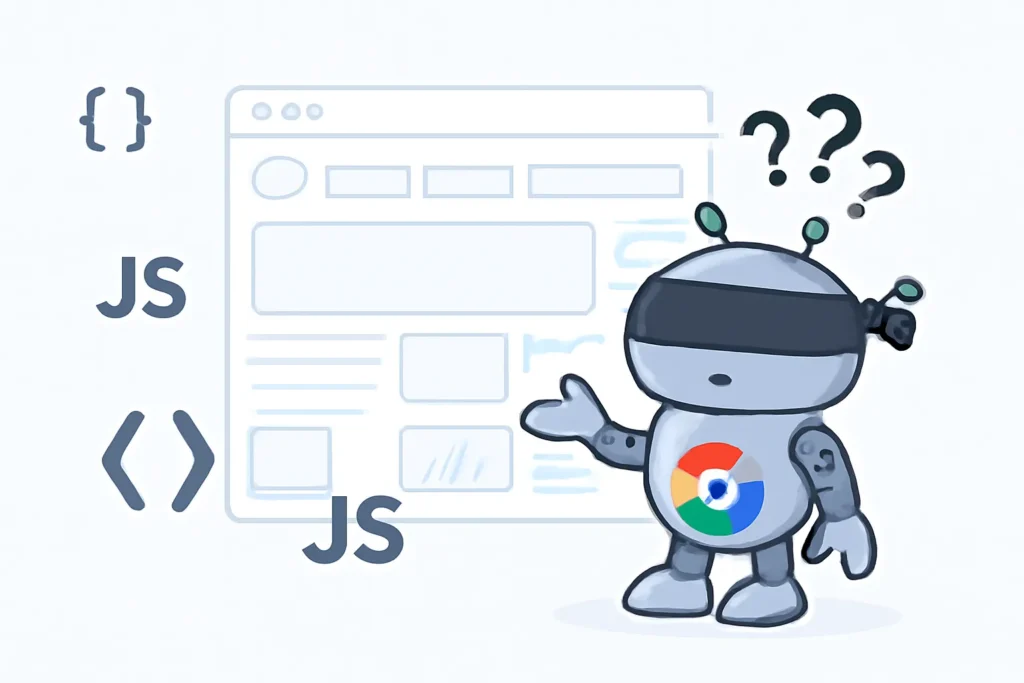
Think of Google’s crawler like someone trying to read your website while wearing a blindfold. If your entire site is built with JavaScript frameworks like React, the crawler can’t see your content until all the code finishes loading.
Your site might look perfect in a browser, but if crawlers can’t read it, it won’t get indexed. And unindexed pages don’t rank, period.
Make sure your core content loads first in plain HTML, then let JavaScript enhance the experience afterwards. This way, even if JavaScript fails or loads slowly, search engines can still read and rank your pages.
Using Images for Text Content
Text embedded in images can’t be indexed or searched. When you put headers, navigation, or body copy inside graphics instead of using HTML, you’re hiding that content from Google completely.
Users can’t copy, paste, or translate image-based text either. We’ve watched international visitors struggle with sites that use image text because their browser translation tools can’t read it. Responsive design also breaks because images don’t adapt like real text does across different screen sizes.
That’s why, always use HTML text with proper styling instead of designing text as graphics. You can still make it look exactly how you want with CSS, and you’ll get all the SEO and accessibility benefits too.
Building SEO Into Your Design Workflow
Now that you know what hurts your rankings, it’s time to prevent these mistakes before they cost you traffic.
- Create Design Checklists: These should include mobile optimisation, alt text, and meta descriptions upfront, which helps catch common SEO mistakes before they become costly fixes.
- Involve SEO Specialists: Bring the experts in early in mockup reviews so they can spot technical SEO issues and suggest internal links before you build pages.
- Run Regular Audits: Perform frequent site reviews to catch new problems because even small oversights can accumulate over time.
Need help fixing SEO mistakes on your Brisbane website? At JDDST, our specialists build mobile-friendly sites with strong SEO foundations. Get in touch to discuss how we can help improve your site’s search performance.