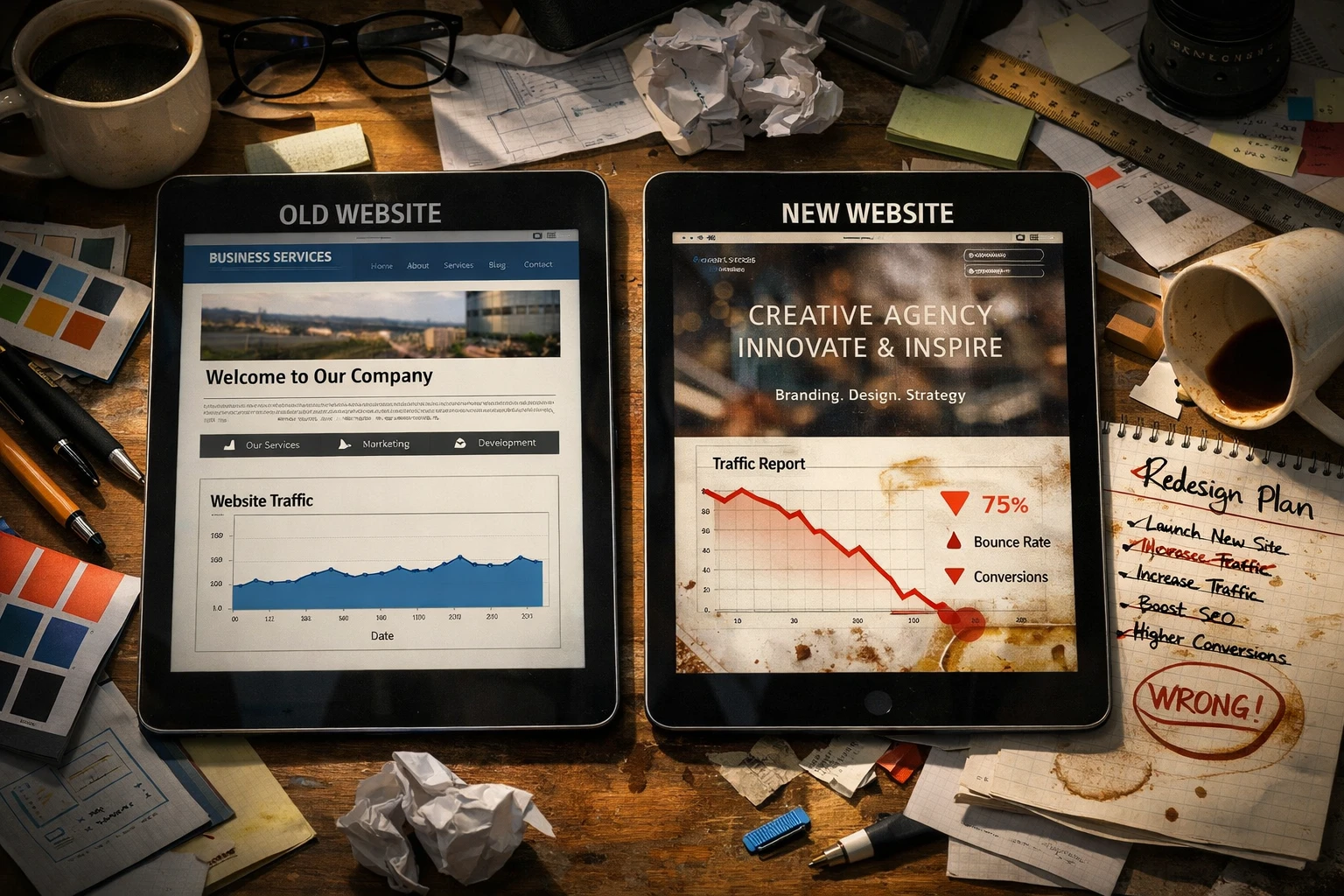
SEO web design works by aligning every website decision with what search engines and users need: fast loading speeds, clear navigation, and content that’s easy to find. However, most Brisbane businesses treat design and SEO as separate projects instead.
You build a beautiful site first, then try to bolt on the SEO later. This way, you’re stuck paying developers twice to fix problems that shouldn’t exist. Similarly, we’ve watched local businesses waste thousands on redesigns because nobody planned for search engines from the start.
This article guides you through how site structure, on-page SEO elements, technical features, and high-quality content work together to ensure your website design effectively attracts organic traffic.
Let’s start with the foundation.
Why SEO Strategy Needs to Guide Your Website Design From Day One
SEO web design means planning your site’s layout and structure around what search engines need before designers create mockups. What does that mean exactly?
Well, it’s simpler than it sounds. Search engines look for clean code, logical navigation, and content that’s easy to crawl. And designers who understand these fundamentals from Google’s search documentation build websites that appear in search results and convert browsers into buyers.
But the alternative costs more. Retrofitting search engine optimisation into finished designs means paying your developer twice. Once to build it wrong, again to fix avoidable problems. The delays add up while competitors grab the search engine rankings you wanted.
Designers who know SEO create layouts with buttons placed for easy clicking and images that load fast without slowing your site. They even add internal links that guide visitors and boost organic search results at the same time.
So what does “site structure” mean for your rankings?
How Site Structure Affects Your Search Engine Rankings

A well-planned site structure helps search engines find and index pages faster, which means your content shows up in search engine results pages sooner. Think of your website structure like a filing cabinet where everything has a clear place. Here, three specific elements keep that cabinet organised.
Keep Your Important Pages Close to the Homepage
Flat architecture (keeping pages close to your homepage) lets search engines reach important pages within three clicks. Service pages buried five clicks deep might never get found by crawlers, and yes, research on site hierarchy backs this up.
Distance from your homepage isn’t the only factor, though. How you connect those pages also plays a role.
Connect Related Content Through Internal Links
Internal links between web pages tell search engines which content you value most. Drawing from our experience with local Brisbane clients, organic traffic increased significantly just from fixing broken links and connecting service pages.
But even the best internal linking won’t help if visitors can’t find their way around your site.
Simple Navigation Helps Everyone
Poor navigation confuses users and search engines, which tanks visibility in organic search results. Research shows that bad navigation causes 61.5% of visitors to leave websites, which costs businesses substantial traffic and potential customers.
Once your structure is sorted, you need the details that get clicks.
On-Page SEO Elements That Belong in Your Design Process
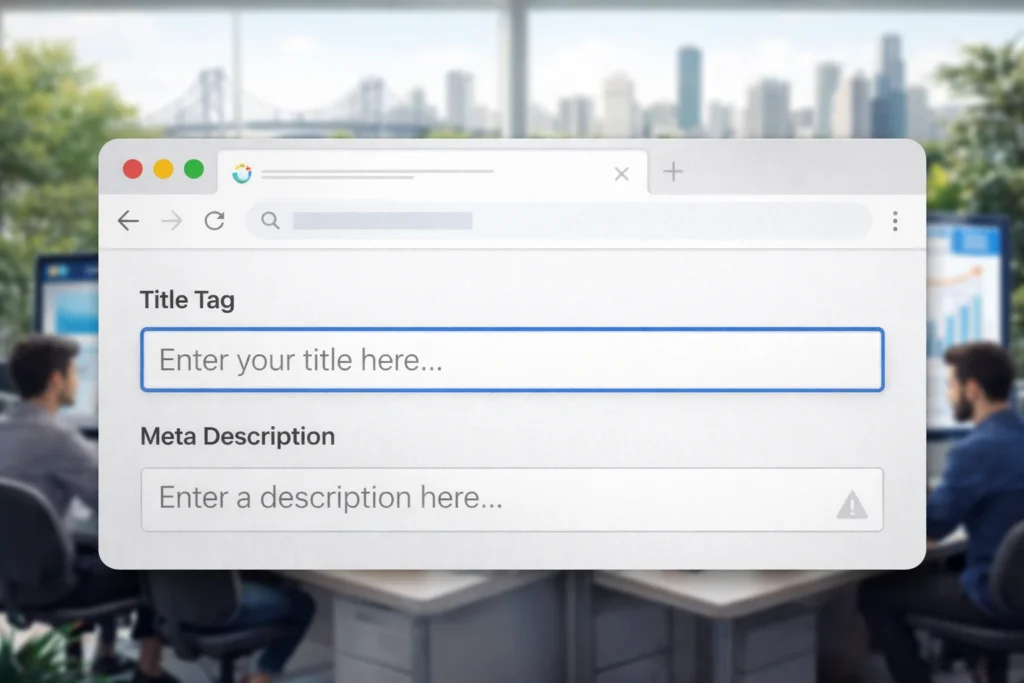
Did you know, pages with optimised title tags and meta descriptions get way more clicks than pages without them? Most designers leave these details for launch week, which creates problems you don’t need.
Which is why we recommend you plan for these elements during the design phase:
- Title Tags and Meta Descriptions: Based on our firsthand testing, planning for 60-character titles from the start creates cleaner web pages. Those specific pages perform better in search results and attract more clicks.
- Proper Header Hierarchy: H1 tells search engines your main topic, H2 headings break it into sections, and H3 subheadings add details. This structure helps both readers and search engines understand your content naturally.
- Alt Text for Images: Every image needs descriptive alt text and proper file names. Skip this, and you’re leaving money on the table while missing web accessibility and ranking opportunities in search engine results.
When you plan for these three elements during design, your content becomes easier to find and more likely to get clicked. But none of it helps if your site frustrates visitors.
Making Your Website Design Work for Both Search Engines and Visitors
When your website design balances user experience with SEO requirements, you get visitors who stay longer and search engines that rank you higher. So always keep in mind that the two goals aren’t separate.
Fast page speed keeps visitors engaged while meeting Google’s ranking requirements. To hit the 2.5-second loading target, you need to compress images and clean up code before launch. Because, believe it or not, falling short by just half a second can cost you 20% of your visitors.
Once they’re on your site, you need clear paths to action. Skip the keyword-stuffed banners and use natural language instead. A simple “Get a Free Quote” button performs far better than something like “Contact Our Brisbane Web Design SEO Experts Today.” People respond to language that sounds like them, not marketing jargon.
Your technical setup is just as important as what visitors see on screen.
Technical SEO Features to Build In Early

Technical SEO includes clean URLs, schema markup, and sitemaps that developers code in from the beginning. Skip these during the build, and you’ll pay to add them later.
So start with these three:
- Clean URL Structure: Use readable slugs like /brisbane-office-fitouts/ instead of /page?id=12345. Those random numbers make everyone’s eyes glaze over. What’s more, Google’s URL structure guidelines confirm that clean URLs improve how search engines crawl your site.
- Schema Markup: Beyond clean URLs, this code tells Google specific details about your Brisbane business location and services. A Fortitude Valley restaurant saw 30% more organic traffic just from adding local business schema to their site’s pages.
- XML Sitemap: But wait, there’s more to the technical side. Your sitemap shows Google every page worth indexing and updates automatically when you add new pages.
The technical work sets the stage, but your content does the heavy lifting.
How Quality Content and Web Accessibility Improve Search Results
Quality content and web accessibility improve search results by making your pages easier for both humans and search engines to read and understand. The connection isn’t obvious at first, but the overlap is significant.
Start with web accessibility features. Proper heading tags help screen readers scan through your content and tell search engines how your information is being organised. The same goes for link texts. Descriptive links help disabled users and search engine bots understand where they lead.
Sites with proper contrast and clear code structure rank better because these features create better user experiences overall. Quality content works the same way. For instance, pages written for humans first get more clicks than pages stuffed with relevant keywords. And when your website content solves problems, visitors stay longer and bounce less.
Regular updates signal that your site stays current. Which brings us to making sure every page gets this treatment.
Getting All Your Site’s Pages Ready for Search Engines
SEO web design means planning for search engines and users together from day one. Brisbane businesses waste thousands fixing beautiful websites that never bring in organic traffic. This loss happens because nobody thought about site structure or technical SEO during the build.
In this guide, we’ve covered how site structure affects crawling, which on-page SEO elements belong in your design process, and why web accessibility improves search results. You’ve also seen how page speed and quality content work together to keep visitors engaged while meeting Google’s ranking requirements.
JDDST takes you through every decision you need to make, from URL structure to internal links that guide visitors and search engine crawlers to your important pages. Get it right from the start.